
YouTube Video Downloader
Save YouTube videos, Shorts, whole playlists and embedded players as MP4 or WebM, with resolutions from 360p up to 4K listed before you click.
For the videos YouTube will not hand over
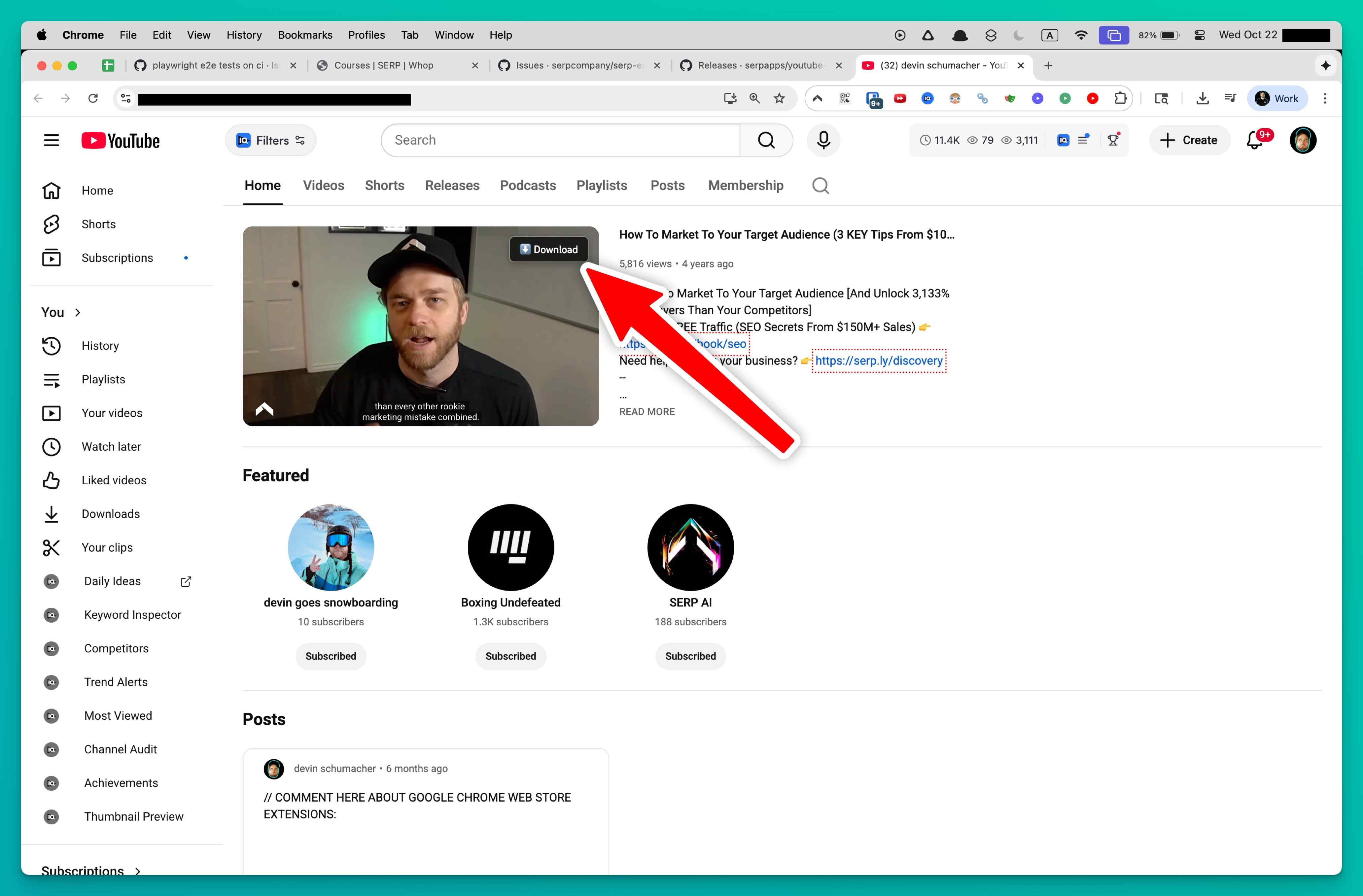
YouTube gives you no way to keep a lecture, a tutorial or a music video as a file, and converter websites are a maze of pop-ups and fake buttons. With YouTube Video Downloader you bypass them entirely. Once it is installed you keep browsing YouTube as usual, and a download button appears on each video. Pick a quality, up to 4K where the upload supports it, and the file goes straight to your downloads folder.
Regular watch pages, Shorts and complete playlists are covered, and so are YouTube players that other websites embed. Everything happens on your own device: nothing is uploaded, and there is no tracking or analytics.
How the extension gets a clean file
YouTube splits high-quality video into separate video-only and audio-only tracks delivered over DASH, and it protects the stream addresses. The extension deals with all of that for you:
- Works out stream URLs that YouTube protects with signature ciphers and n-parameter throttling, in real time
- Reads DASH manifests and HLS playlists to expose every quality tier on offer
- Downloads both adaptive tracks together and muxes them into one MP4 or WebM container
- Lists every resolution from 360p to 4K with an estimated file size before you commit
- Remembers your preferred quality and applies it automatically next time
Because the merge depends on the stream segments, the original tab has to stay open until the MP4 is finalized; for longer conversions in particular, keep it open throughout.
Running several jobs
Up to three simultaneous downloads can be active, each showing progress, speed, an ETA and a cancel button, so you can reprioritise as you go. They keep running in the background while you use other tabs. Opening a playlist lets you queue every video in it for sequential download, each one taking your preferred quality setting. For command-line users, a generator also builds a yt-dlp command for the video you have open, format selection and output template flags included, that can be run as-is in a terminal for larger batch jobs.
Supported and unsupported content
| Works | Does not work |
|---|---|
| Watch pages, Shorts and playlist videos | DRM-protected movies and TV episodes bought on YouTube |
| YouTube players embedded on third-party sites | Livestreams that are still broadcasting |
| Livestream replays once the on-demand version exists | YouTube Music premium audio-only streams |
| Age-restricted and unlisted videos your own session can open | Safari and mobile browsers |
Available quality always depends on the original upload resolution and on how YouTube encoded it. YouTube rotates its cipher algorithms often, so keep the extension up to date.
Browsers, systems and region
Chrome and other Chromium-based browsers, namely Edge, Brave and Opera, are supported on Windows, macOS and Linux; the browser should be kept up to date so Manifest V3 works properly. Firefox is not supported yet because its support hinges on Manifest V3 compatibility in the current Firefox build. Safari is not supported. Supported regions: Worldwide.
Permissions and their purpose
downloads: saves the merged MP4 or WebM into your downloads folder and follows progress across simultaneous jobs.storage: keeps activation status, preferred quality and queue history on your machine so they survive browser restarts.activeTab: places the downloader controls into the YouTube page in view, Shorts feeds and embedded players included.tabs: notices when you switch videos or open a new player, so the quality options refresh by themselves.scripting: reads the player configuration to decrypt stream URLs, fetch manifests and combine DASH or HLS segments into the final file.notifications: reports completions, errors and activation prompts, so the popup does not need to stay open during long conversions.
FAQ
Are Shorts and players embedded on other sites included?
Yes. Shorts feeds, standard watch pages and YouTube players embedded elsewhere on the web are all recognized and get the same list of qualities.
Is grabbing a full playlist possible?
Yes. Open the playlist, and every video in it can be queued for sequential download using your preferred quality.
What about a stream that is live right now?
Active broadcasts cannot be saved. Once YouTube publishes the on-demand replay, the extension can convert its HLS stream into one MP4.
Can I save films or TV episodes I paid for on YouTube?
No. Those purchases are DRM-protected and stay out of reach; only videos without DRM restrictions can be saved.
Why does YouTube need a merging step at all?
High resolutions arrive as separate video and audio tracks over DASH. The extension downloads both at once and muxes them into a single container, giving you one playable file.
How many downloads can be active together?
Up to three at the same time, each with its own progress, speed readout and cancel button.
Should the original YouTube tab stay open?
Yes, especially for longer conversions. The stream segments need to remain reachable until the MP4 has been fully assembled.
What is the yt-dlp option for?
It writes out a yt-dlp command for the video in the open tab, with format selection and output template flags set, which you can paste into a terminal and run as-is for advanced batch work.
Which browsers can I use it in today?
Chrome, plus browsers built on Chromium, for example Edge, Brave and Opera. Keep the browser current so Manifest V3 support is in place.
Is this legal?
DISCLAIMER: We are not attorneys and do not offer legal advice. Laws vary by country and platform. For any legal question please consult a qualified legal professional.
We give you full control over download speeds because we believe users should decide how they use their software.
That said, here are a few widely accepted best practices for safe, responsible downloading:
-
Only download content you created, own, or have explicit permission from the rights holder to access.
-
Protect your personal data by respecting platform rules and rate limits with reasonable download speeds to avoid automated abuse systems putting your account at risk.
-
Protect your privacy by using a reputable VPN for IP protection before initiating downloads — this is the VPN we recommend & use.
Links
Related Entries

Choose any resolution Dailymotion offers, from 360p to 1080p, and save the video as an MP4 from the page itself instead of an ad-filled converter site.

Turn Loom share links, workspace recordings and embedded players into MP4 files on your drive, including password-protected videos.
Keep Niconico videos as MP4 and carry the scrolling danmaku comments along as an ASS subtitle file you can replay in VLC or MPV.