
Wistia Video Downloader
Spots Wistia players on any website, from single embeds to whole playlists and channels, and saves the videos you pick as MP4 files at your chosen quality.
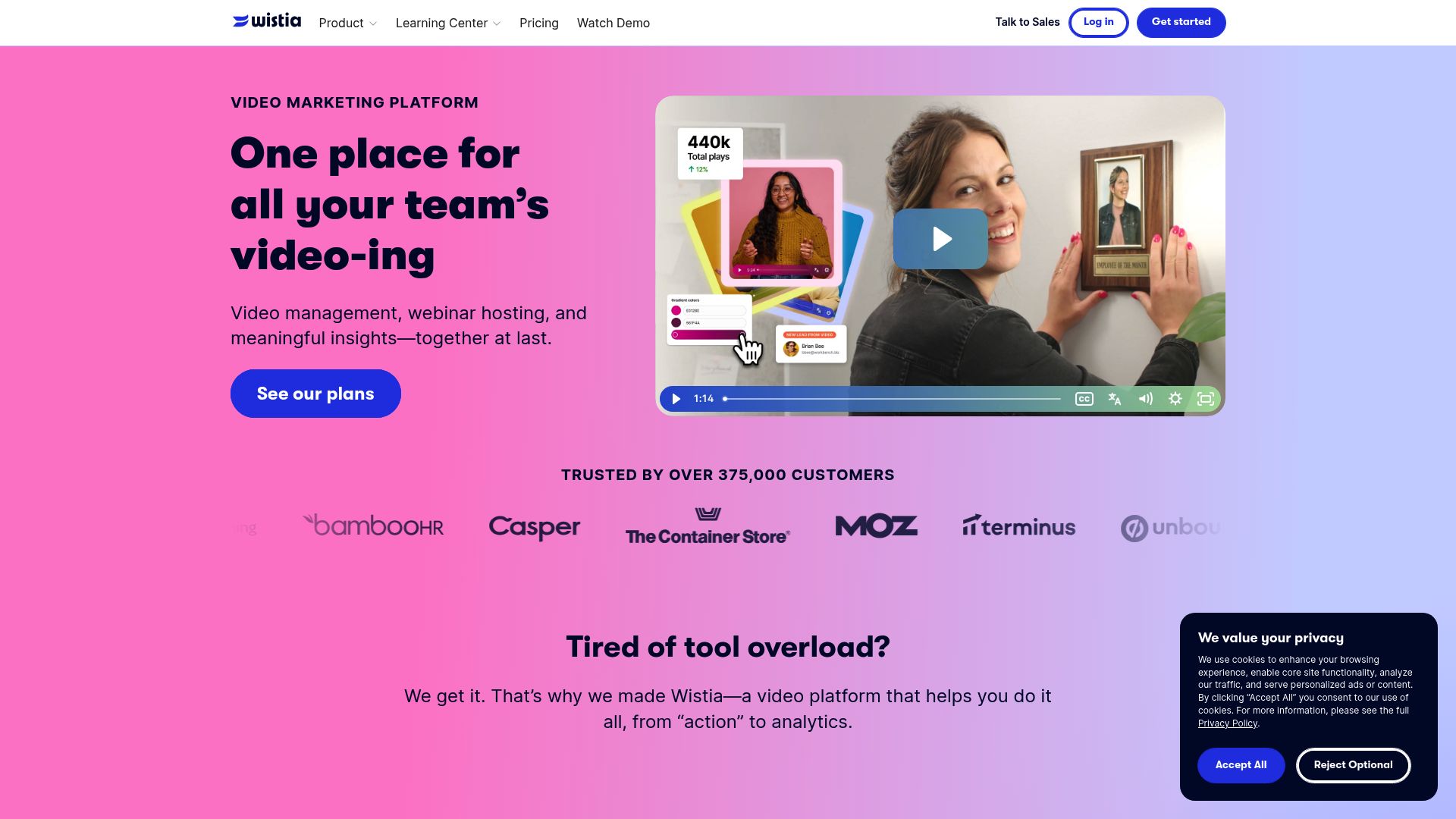
Watchable, but not keepable
Thousands of organizations use Wistia to host their training portals, courses and product demos, yet hardly any of those sites offer a way to download what's playing. The video stays in the browser. Wistia Video Downloader recognizes Wistia-hosted videos on whatever page you're on, including multi-video playlists and full channel libraries, and gives each one a download option. Choose a quality and it's saved as an MP4 that plays almost anywhere.
Places it finds Wistia
- Embeds on any website, such as marketing landing pages, knowledge bases and learning management systems.
- Playlist pages, where each entry appears with a thumbnail, its name and the qualities on offer.
- Channel pages, so a whole library can be handled in one session instead of chasing each link.
Only videos that are public or don't need a password can be reached. Password-locked or otherwise restricted Wistia projects stay off limits, respecting Wistia's security.
From playlist to files
On a page with a playlist, click the extension icon and go through the list it shows. Tick the videos you want, set the quality, and start. When Wistia offers a direct MP4 the extension fetches it; when it doesn't, it switches to HLS conversion automatically. As many as 3 transfers run side by side, each with its own progress display, which shortens the time it takes to save a whole collection.
The extension saves video and audio. Subtitles, transcripts and supplemental files aren't part of the download; grab those from wherever the video is published.
Requirements
Desktop builds for Chrome, Edge, Firefox, Brave and Opera, on Windows, macOS and Linux. Region: Worldwide.
Local-only processing and permissions
Everything runs on your own hardware. Downloads are never routed through third-party servers or infrastructure, and there's no tracking or analytics. Activation details are stored locally.
downloads: sends each Wistia MP4 to your downloads folder and keeps progress bars correct across parallel jobs.storage: holds activation data and quality preferences on your machine so your playlist setup carries over between sessions.activeTab: detects Wistia players on the current page and fills the video list in the popup.tabs: keeps the list of detected videos current as you browse to a new page or change to a different tab that has players on it.scripting: looks at each player's settings and its manifest so the extension can tell which MP4 file or stream is the right one.notifications: sends a completion or error alert for every download, so you can get on with other work while videos save.
FAQ
How can I save several videos from a Wistia playlist?
Open the playlist page and click the extension icon. Look through the videos it lists, select the ones you want and a quality, then start. Each video shows its own progress.
Does it pick up Wistia players embedded on company marketing pages?
Yes. Every page you open is checked, so a Wistia video shows up whether it's on a landing page, in a knowledge base or within a learning management system.
Can a password-protected Wistia project be downloaded?
No. Only videos that are public or need no password are reachable. Password-locked and access-restricted projects are left alone, in line with Wistia's security measures.
How many Wistia videos save in parallel?
Up to 3 at a time, each with a separate progress bar so you can follow them.
Does the Wistia tool run on a Mac?
Yes. It's offered for Chrome, Edge, Firefox, Brave and Opera on macOS, Windows and Linux desktops.
Will I get subtitles or a transcript along with each Wistia video?
No. The download holds the picture and sound only, so any transcript, subtitle track or extra file has to come from the publishing site itself.
Is this legal?
DISCLAIMER: We are not attorneys and do not offer legal advice. Laws vary by country and platform. For any legal question please consult a qualified legal professional.
We give you full control over download speeds because we believe users should decide how they use their software.
That said, here are a few widely accepted best practices for safe, responsible downloading:
-
Only download content you created, own, or have explicit permission from the rights holder to access.
-
Protect your personal data by respecting platform rules and rate limits with reasonable download speeds to avoid automated abuse systems putting your account at risk.
-
Protect your privacy by using a reputable VPN for IP protection before initiating downloads — this is the VPN we recommend & use.
Links
Related Entries

Choose any resolution Dailymotion offers, from 360p to 1080p, and save the video as an MP4 from the page itself instead of an ad-filled converter site.

Turn Loom share links, workspace recordings and embedded players into MP4 files on your drive, including password-protected videos.
Keep Niconico videos as MP4 and carry the scrolling danmaku comments along as an ASS subtitle file you can replay in VLC or MPV.