
Udemy Video Downloader
Keep the Udemy courses you're enrolled in on your own computer: lecture MP4s, captions, audio tracks and attachments, filed the way the curriculum is laid out.
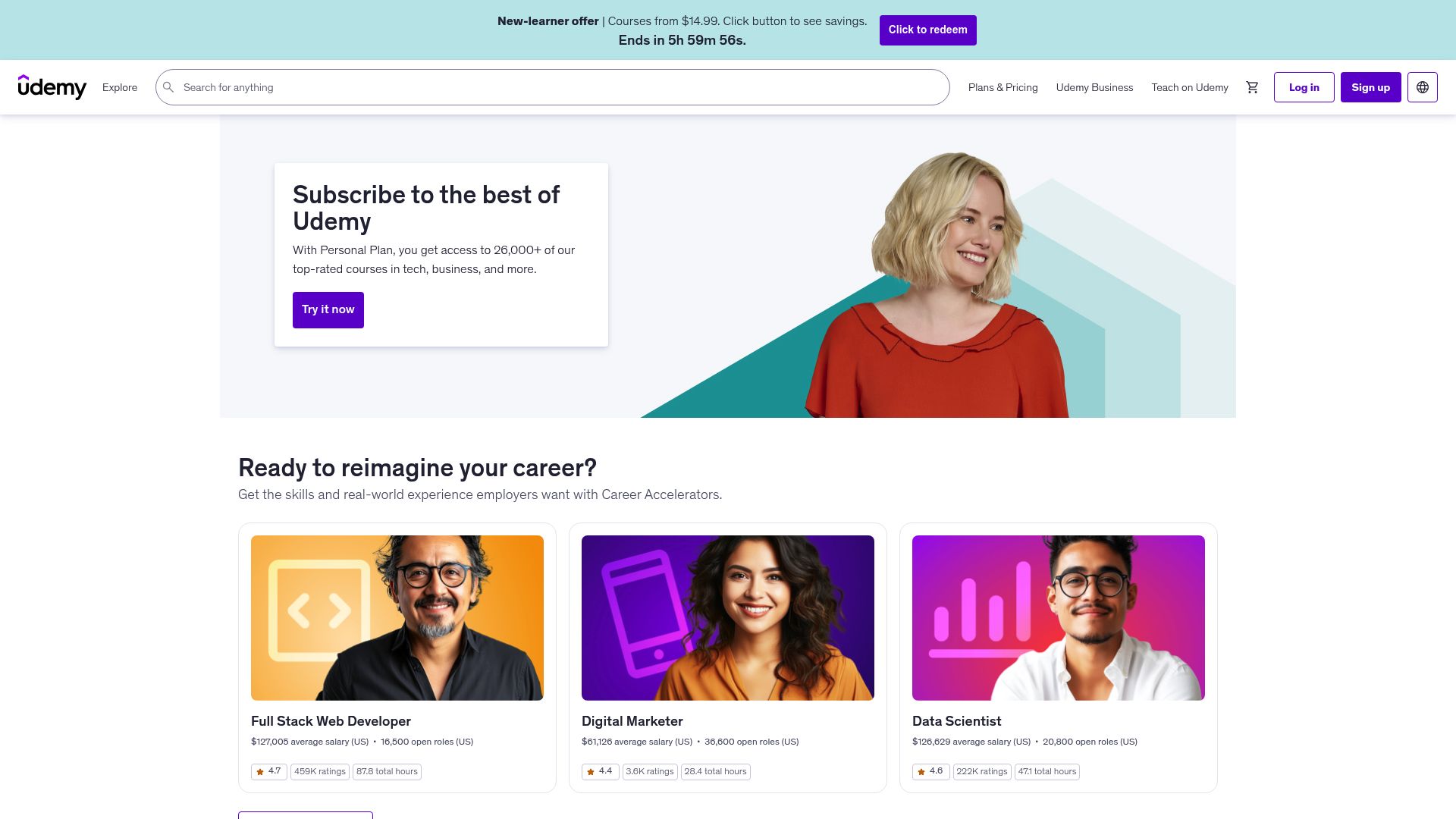
The gap in Udemy's offline mode
Udemy only offers offline viewing inside its mobile app, and those copies expire. On a desktop browser there is no equivalent. Udemy Video Downloader puts a download button on the course page itself, so you can pull a whole course, a few sections or single lectures down as regular MP4 files, at the quality you pick.
A typical session
After installing and completing activation, you stay signed into your Udemy account in the same browser as normal. Visiting an enrolled course lets the extension query the course API, which tells it the sections, lectures and attached materials. From there you set the scope (everything, some sections, or hand-picked lectures), the video quality and the caption languages, and start the queue. A progress tracker shows the state of each item while files land in folders shaped like the course.
Everything a lecture can include
- The lecture video as MP4, with resolution chosen per lecture.
- Caption files in each language the course offers.
- An audio-only track, handy for listening without a screen.
- PDFs, resources and other supplementary files the instructor attached.
- Optional transcript PDFs built from the caption files, which you can search when revising for an exam.
Files are named with section and lecture numbers, nested as Course > Section > Lecture.
Big courses and throttling
When Udemy starts throttling requests, the extension notices, pauses, waits out the interval and then continues on its own, which keeps your account clear of rate-limit trouble. The tradeoff is that a large course can take a while to finish. Completed lectures are tracked, so an interrupted run carries on without fetching finished files again.
Requirements and limits
- Downloading requires an active Udemy login plus enrollment in that particular course; anything you haven't enrolled in is off limits.
- The instructor's original upload, and the renditions Udemy serves from it, set the best resolution you can get.
- Enrollment checks and DRM restrictions are not bypassed, and DRM-protected content outside supported workflows won't download.
- Live or scheduled Udemy events aren't covered, and neither are downloads made in the Udemy mobile app.
- Keep an internet connection active for the whole download.
Where it runs
There are builds for Chrome, Edge, Firefox, Brave and Opera on Windows, macOS and Linux, desktop only. Safari and mobile browsers aren't supported. Region availability: Worldwide.
Your account and data
Files go straight to your computer. The extension sends nothing elsewhere, keeps no record of your credentials and does no usage tracking. It authenticates with your Udemy session cookies, exported locally.
Permissions it asks for:
downloads: writes each lecture's video, caption, audio and attachment files to disk, and drives the queue.activeTab: lets the extension look at the open course page and discover what lectures, sections and materials it has.storage: keeps download progress, the list of completed lectures, quality preferences and activation state on your machine.notifications: lets you know when a course finishes or a lecture fails.cookies: reads the exported Udemy session cookies used to authenticate against your enrolled courses.
FAQ
What are the steps to pull down a Udemy course?
While signed in, go to the course page, open the extension, select which lectures or sections to include and press start. Authentication is handled through your Udemy session cookies.
What happens when Udemy throttles a long download?
The extension pauses, waits for the interval Udemy needs, and then continues, so your account stays in good standing.
Besides the video, what comes down with each lecture?
Alongside the MP4 you can take the separate audio track if you want it, captions for each language the course has, and any resources or attachments the instructor posted.
Do I have to download an entire course?
No. Queue the full course, selected sections or single lectures, each with your chosen quality and caption languages.
How will the downloaded files be arranged on disk?
Folders follow the curriculum as Course > Section > Lecture, and filenames carry section and lecture numbers so the order is obvious.
If a download stops partway, does it start from scratch?
No. Finished lectures are recorded, so the queue continues from the point it stopped and skips files already saved.
What do the transcript PDFs do?
They turn downloaded caption files into searchable PDF documents, which help when you're reviewing a lecture, looking up a topic or writing study notes.
Which desktop browsers and operating systems have a Udemy build?
If you use Chrome, Edge, Firefox, Brave or Opera on Windows, macOS or Linux, yes. Safari and mobile browsers aren't supported.
Are my Udemy sign-in credentials ever saved or sent anywhere?
No. It relies on session cookies you export locally, never stores or transmits your credentials, and saves every file directly on your device.
Is this legal?
DISCLAIMER: We are not attorneys and do not offer legal advice. Laws vary by country and platform. For any legal question please consult a qualified legal professional.
We give you full control over download speeds because we believe users should decide how they use their software.
That said, here are a few widely accepted best practices for safe, responsible downloading:
-
Only download content you created, own, or have explicit permission from the rights holder to access.
-
Protect your personal data by respecting platform rules and rate limits with reasonable download speeds to avoid automated abuse systems putting your account at risk.
-
Protect your privacy by using a reputable VPN for IP protection before initiating downloads — this is the VPN we recommend & use.
Links

Related Entries

Keep Circle lessons, coaching replays and member posts as MP4 files, whether the video was uploaded to Circle or embedded from Loom, Vimeo or YouTube.

Keep ClientClub portal lessons and coaching replays as MP4 files on your computer, whether the lesson plays through Loom, Vimeo, Wistia or YouTube.
Turn Coursera lectures from your courses, specializations and guided projects into MP4 files before a course retires or your membership runs out.