
TikTok Video Downloader
Puts a download icon on TikTok videos in your desktop feed, so one click saves the same MP4 the web player streams while you keep scrolling.
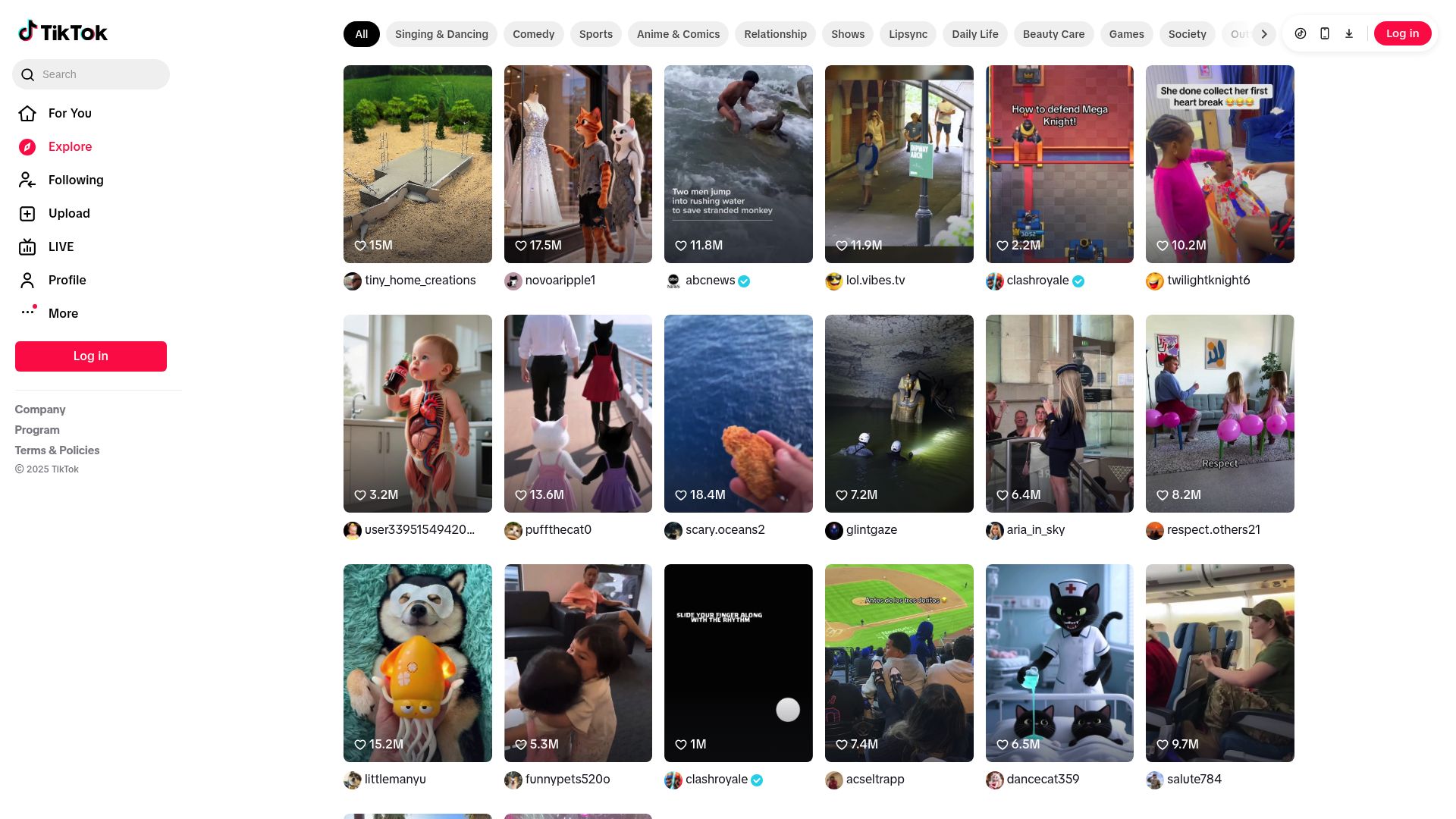
Saving Without Leaving the Feed
TikTok's own save button either leaves a watermark on the saved clip or is missing entirely, and the usual alternative is pasting a link into an ad-filled site full of fake download buttons. TikTok Video Downloader avoids both by putting a download icon right on each video as you scroll. Click it and the original MP4 lands in your downloads folder while you carry on browsing, whether you're in For You, Following, a creator's profile or a video opened from a direct link.
What it fetches is the same file the TikTok player in your browser is already playing, so nothing is transcoded and nothing loses quality. Each file name combines the creator's handle with the video's ID, which keeps things orderly if you collect from many accounts.
Behind Each Click
- Where buttons appear: For You, Following, profile pages and single video detail views. The
tabspermission lets them refresh as you move between these. - What counts as downloadable: video posts. Image-only posts and slideshows get a visible marker showing they can't be saved, so you don't click them for nothing.
- How the file is fetched: through your own logged-in TikTok session and the browser's built-in downloader, untouched by any re-encoding.
- Quality: set by what TikTok serves its desktop web player, which is what you see on screen.
- Watermarks: kept exactly as TikTok applies them to the source; they aren't removed.
- Pace: one download at a time, as batch queueing isn't available yet.
Getting Set Up
- Add the extension to Chrome, Edge, Firefox, Brave or Opera and complete activation.
- Browse TikTok as you normally would; icons show up on supported posts by themselves.
- Click an icon whenever something is worth keeping.
- Open the MP4s on any device later.
It's a desktop-only Manifest V3 extension for Windows, macOS and Linux, available worldwide. It doesn't work in Safari, in mobile browsers or in the TikTok mobile app.
Limits
- Saving only works for videos your signed-in browser session can already play, which includes private videos your session can open; content you can't view isn't available.
- TikTok Live streams can't be captured.
- Only video posts can be saved.
Privacy and Permissions
Your login details are never stored or sent anywhere, and all downloading happens on your own machine inside the browser.
downloads: writes every MP4 into your downloads folder and keeps its progress notification correct.storage: holds activation and preference settings on your machine so the buttons persist between sessions.activeTab: adds icons to the TikTok page you're on and reads the video data it needs.tabs: notices when you switch from a feed to a profile or a detail page so the buttons stay current.scripting: looks through the page data TikTok loads, picks out the playable videos and gets each MP4 address using your session headers.notifications: tells you when a download completes or fails without pulling you out of the feed.
FAQ
What do I actually click to save a TikTok?
The small download icon that sits on each supported post. Press it once, keep scrolling, and the MP4 turns up in your downloads folder.
Will the watermark be stripped out?
It won't. Whatever TikTok bakes into the stream it delivers, watermark included, ends up in your copy unchanged.
What about private or restricted videos?
The rule is simple: if you're signed in and the clip plays for you, from your feed or a direct link, it can be saved. If you can't watch it, neither can the extension.
Are photo slideshows supported?
Only video posts are. Slideshows and image-only posts carry a visible marker telling you there's nothing to download.
How good will the saved video look?
Identical to the browser version, since the extension fetches the exact file the web player is using and never compresses it again.
Can I line up several saves at once?
Not yet. Each click handles a single video, and a batch queue isn't part of the extension right now.
What naming scheme do the files use?
Creator handle first, then the video ID, which makes a folder of clips from many accounts easy to sort.
Does the extension collect anything from my account?
Nothing is gathered, kept or passed on. Requests ride on the browser session you already have, and the work happens on your own computer.
Is there support for my setup?
On desktop, yes, if you use Chrome, Edge, Firefox, Brave or Opera on Windows, macOS or Linux. Safari users and mobile browsers are out of luck.
Is this legal?
DISCLAIMER: We are not attorneys and do not offer legal advice. Laws vary by country and platform. For any legal question please consult a qualified legal professional.
We give you full control over download speeds because we believe users should decide how they use their software.
That said, here are a few widely accepted best practices for safe, responsible downloading:
-
Only download content you created, own, or have explicit permission from the rights holder to access.
-
Protect your personal data by respecting platform rules and rate limits with reasonable download speeds to avoid automated abuse systems putting your account at risk.
-
Protect your privacy by using a reputable VPN for IP protection before initiating downloads — this is the VPN we recommend & use.
Links

Related Entries

Save Facebook posts, Reels, Stories and finished Live replays as MP4 files from a button placed right on each video player.

Puts a save button on Instagram posts, Reels and Stories, splits carousels slide by slide, and archives whole profiles into tidy folders.

Keep LinkedIn videos, carousels, document posts and images on your own computer before the feed buries them or the author edits them away.