Soundgasm Downloader
Adds the download button Soundgasm never had, saving single tracks or a creator's whole profile in original quality with titles and names kept.
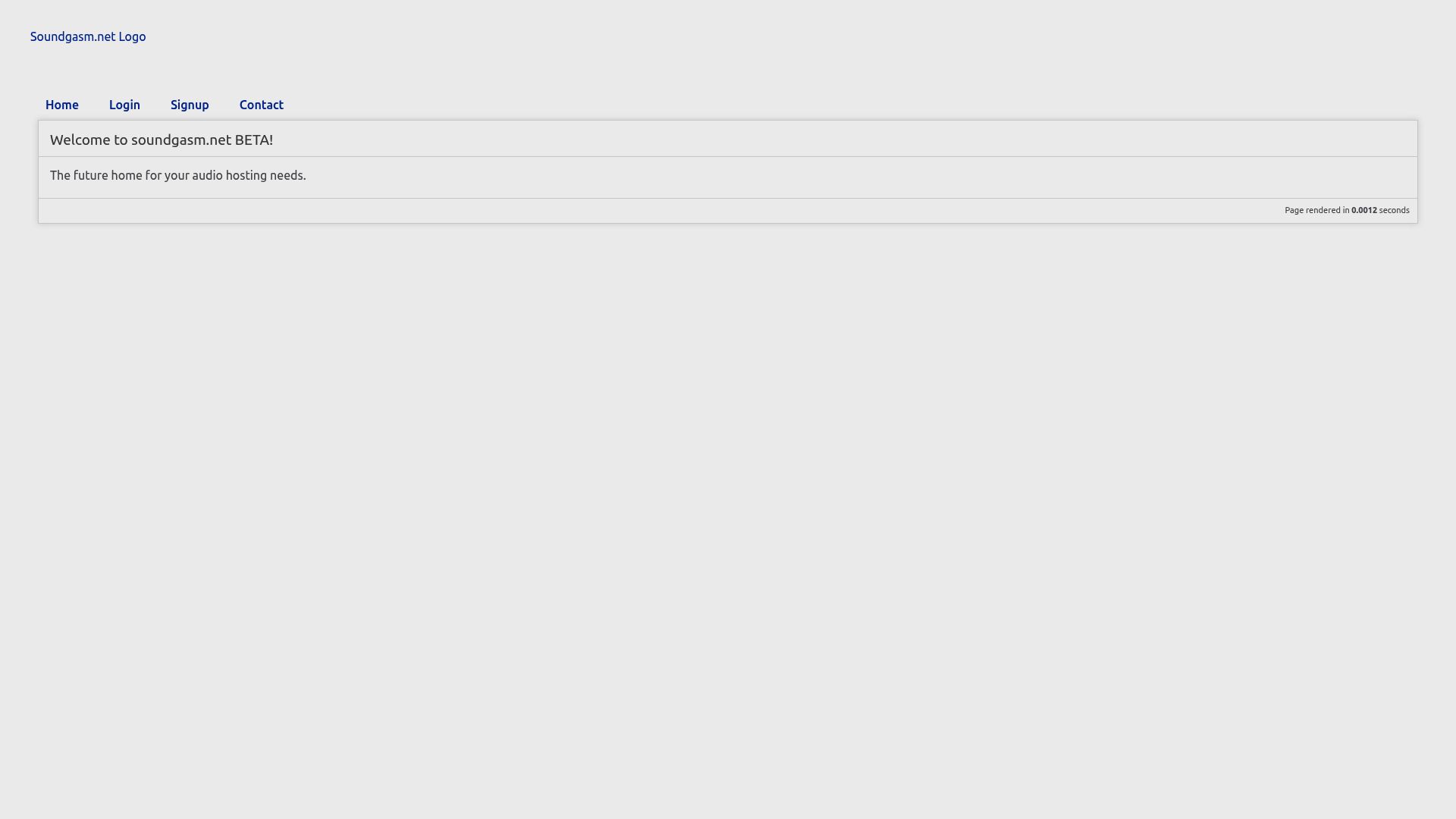
No download option on Soundgasm
Soundgasm track pages offer no way to download. You can stream every time you want to listen, or dig the audio source out of the page yourself, and neither is practical if you listen often. Soundgasm Downloader puts a download control on every track page. One click and the audio is on your computer at the quality it was uploaded in.
You also skip pasting links into questionable third-party sites and reading page source. Track titles and creator details come along with the file, and everything runs privately inside your browser.
Single tracks and whole libraries
- One track: open the track page and click the control that appears near the player.
- A creator's catalogue: on a creator's profile page, a batch option queues every available track and saves them into a folder named after that creator.
- Playlists: batch downloading also works on playlists.
A queue handles multiple tracks so your connection is not overloaded, with status indicators showing progress. Duplicate detection skips anything you have already downloaded. The extension sets no cap of its own on how many tracks you save; your storage space is the only limit.
Files and metadata
Audio is kept in whatever format Soundgasm hosts, usually MP3, with no re-encoding or compression, so you get exactly what the creator uploaded. Title, creator name and description are read where available and used for naming files and arranging them into creator folders, so each file stays identifiable.
The extension detects the Soundgasm player automatically on supported pages.
Browsers and systems
Desktop computers running Windows, macOS or Linux, using any of Chrome, Edge, Firefox, Brave or Opera. Safari is not supported at present, and neither are mobile browsers. Region: Worldwide.
Permissions
Nothing is uploaded; processing stays on your machine.
downloads: writes each track to your computer and drives the queue, whether you take one file or a batch.activeTab: finds Soundgasm audio players and adds download controls only to the tab you are looking at.storage: keeps your download history, duplicate detection data and preferences in local browser storage.notifications: tells you when a batch has finished or when a download runs into an error.
FAQ
I've found an audio post I like. How does it end up on my disk?
With the extension installed, go to the track's page on Soundgasm and press the control shown beside the player. The audio is saved to your computer unchanged in quality, along with its metadata.
Is it possible to take every track from one creator in one go?
Yes. Visit the creator's profile page and use the batch option. Every track it can find is queued, and the lot ends up together in a folder carrying the creator's name.
Which format will the audio be in?
The same format Soundgasm hosts, which is usually MP3. Nothing is re-encoded or compressed, so quality is identical to the upload.
Are titles and creator names kept?
Yes. Whatever the page provides (the title, who made it, the description) is read and used to name the files and lay out the folders.
Is there a ceiling on the number of tracks?
The extension does not impose one; your storage space is the practical limit. The built-in queue keeps multiple downloads running reliably.
Can I save Soundgasm audio using Apple's browser or a handset?
Not currently. Support covers Chrome, Edge, Firefox, Brave and Opera on Windows, macOS and Linux computers; Safari and mobile browsers are left out for now.
Is this legal?
DISCLAIMER: We are not attorneys and do not offer legal advice. Laws vary by country and platform. For any legal question please consult a qualified legal professional.
We give you full control over download speeds because we believe users should decide how they use their software.
That said, here are a few widely accepted best practices for safe, responsible downloading:
-
Only download content you created, own, or have explicit permission from the rights holder to access.
-
Protect your personal data by respecting platform rules and rate limits with reasonable download speeds to avoid automated abuse systems putting your account at risk.
-
Protect your privacy by using a reputable VPN for IP protection before initiating downloads — this is the VPN we recommend & use.
Links

Related Entries

Archive the videos, images, GIFs and text posts on a Coomer creator page in one pass, sorted into folders by creator and date.

An EroMe album can be deleted at any moment, so this extension lets you keep its videos and pictures on your own drive first.

Record the Fansly live broadcasts you're subscribed to as they air, and keep each one as an MP4 file on your own drive.