Pexels Video Downloader
Tick the Pexels clips you want from a search or collection, choose 720p, 1080p or 4K, and download them as a batch with the creator in each filename.
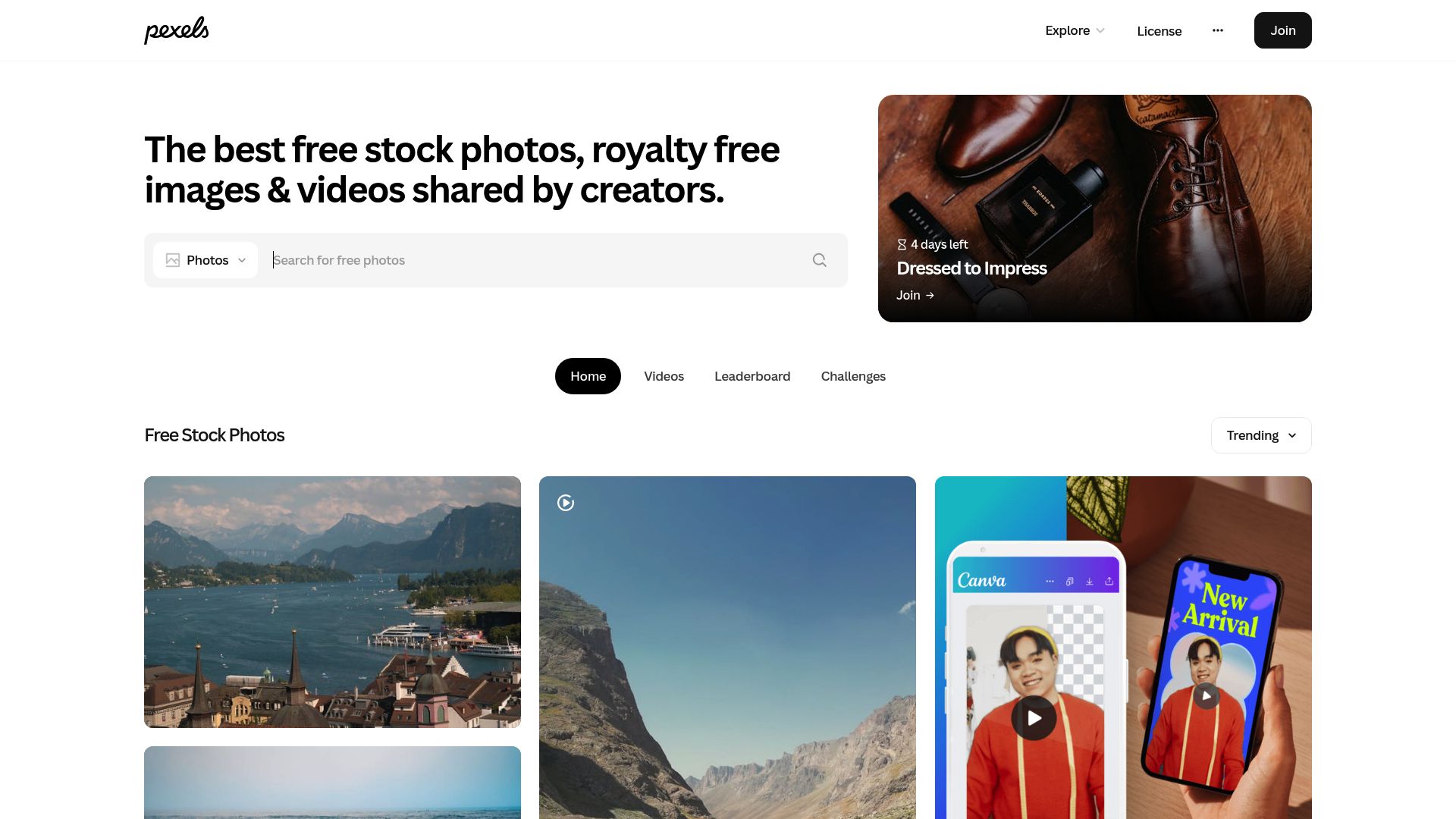
Forty clips, one click each
Picture a Pexels search that turns up 40 clips you'd like for a project. On the site itself, each one means opening its page, choosing a size, downloading, going back, and repeating that 39 more times.
Pexels Video Downloader replaces that loop with batch selection. You mark clips directly in search results or collections, pick a resolution, and the whole set is queued and saved. Filenames carry the creator's name and tags, so a growing library stays searchable and crediting the videographer is easy.
Getting a batch onto your disk
- Add the extension to your browser. Pexels search and collection pages then gain batch selection controls.
- Search Pexels for footage and tick the clips you want, or open a curated collection and pick from there.
- Set a resolution for each clip and send them to the queue.
- Let the queue work through them. Each clip lands in your local downloads folder named with its creator and tags, ready for an editing project.
What it adds to Pexels
- Select several stock videos at once from search results, popular pages and curated collections
- Choose among the resolutions a clip offers: HD (720p), Full HD (1080p) and 4K
- Filenames built from resolution, creator name and category tags, plus the clip's dimensions
- A queue that handles dozens of clips with progress shown per item
- File sizes shown before you download, so you can plan storage
- Landscape, portrait and square footage alike
- A notification when a batch has finished
Practical limits
- The resolutions on offer are limited to the versions the clip's creator put on Pexels, so a 4K option is not always there.
- Batches are processed sequentially, one clip at a time.
- Very large queues, such as 100 or more clips, can take a long time to finish.
- Changes to the Pexels site layout may temporarily break batch selection.
- Pexels terms allow commercial use, but some footage may still need a model release for certain uses.
Browsers, systems and what's out of scope
Supported desktop browsers are Chrome, Edge, Firefox, Brave and Opera, whether your computer runs Windows, macOS or Linux, and the extension is offered worldwide.
It does not cover:
- Safari or any mobile browser
- Pexels photos, since the focus is video only
- Pexels Pro or partner-exclusive clips that carry restricted usage terms
Permissions and privacy
downloads: saves the stock video files into your local downloads folder.activeTab: recognises Pexels video pages and search results so batch download controls can be added to them.storage: keeps your quality preferences, the state of the download queue and the history of completed downloads locally in the browser.notifications: tells you when a batch is done, so you can keep browsing for more clips in the meantime.
FAQ
Am I allowed to use Pexels footage in commercial projects?
Yes. Pexels content is covered by the Pexels terms, which let you use it in commercial and personal work at no charge and without required attribution, although crediting the creator is appreciated. The extension just makes collecting the clips faster.
How does selecting a batch of Pexels clips work?
Search results and collection pages get selection controls. Mark the clips you want, choose a quality, and add them all to the queue; they then download in sequence, each with its own progress bar.
Which resolutions will I be able to choose from?
Whatever the clip was uploaded in. Most offer HD (720p) and Full HD (1080p), and many also come in 4K. Every available option is shown with an estimated file size before you commit.
How do I credit the videographer later?
Each filename includes the creator's name and relevant tags, so you can see who shot a clip at a glance even though Pexels doesn't require credit.
What does this do that the normal Pexels download button doesn't?
The site's own button means visiting each clip's page and downloading it individually. The extension lets you select many clips and process them as a queue, which saves a lot of time when assembling footage for a project.
Is this legal?
DISCLAIMER: We are not attorneys and do not offer legal advice. Laws vary by country and platform. For any legal question please consult a qualified legal professional.
We give you full control over download speeds because we believe users should decide how they use their software.
That said, here are a few widely accepted best practices for safe, responsible downloading:
-
Only download content you created, own, or have explicit permission from the rights holder to access.
-
Protect your personal data by respecting platform rules and rate limits with reasonable download speeds to avoid automated abuse systems putting your account at risk.
-
Protect your privacy by using a reputable VPN for IP protection before initiating downloads — this is the VPN we recommend & use.
Links
Related Entries

Keep a local MP4 copy of a film you can already stream on a 123Movies mirror, saved before that mirror disappears or moves to a new domain.
Pull whole boards or search pages of your licensed Adobe Stock files into local folders, metadata and asset IDs intact, without Creative Cloud sync.
Move whole Alamy lightboxes or search pages of licensed editorial and stock images to a local folder, with captions, credits and image IDs kept.