Nicovideo Downloader
Keep Niconico videos as MP4 and carry the scrolling danmaku comments along as an ASS subtitle file you can replay in VLC or MPV.
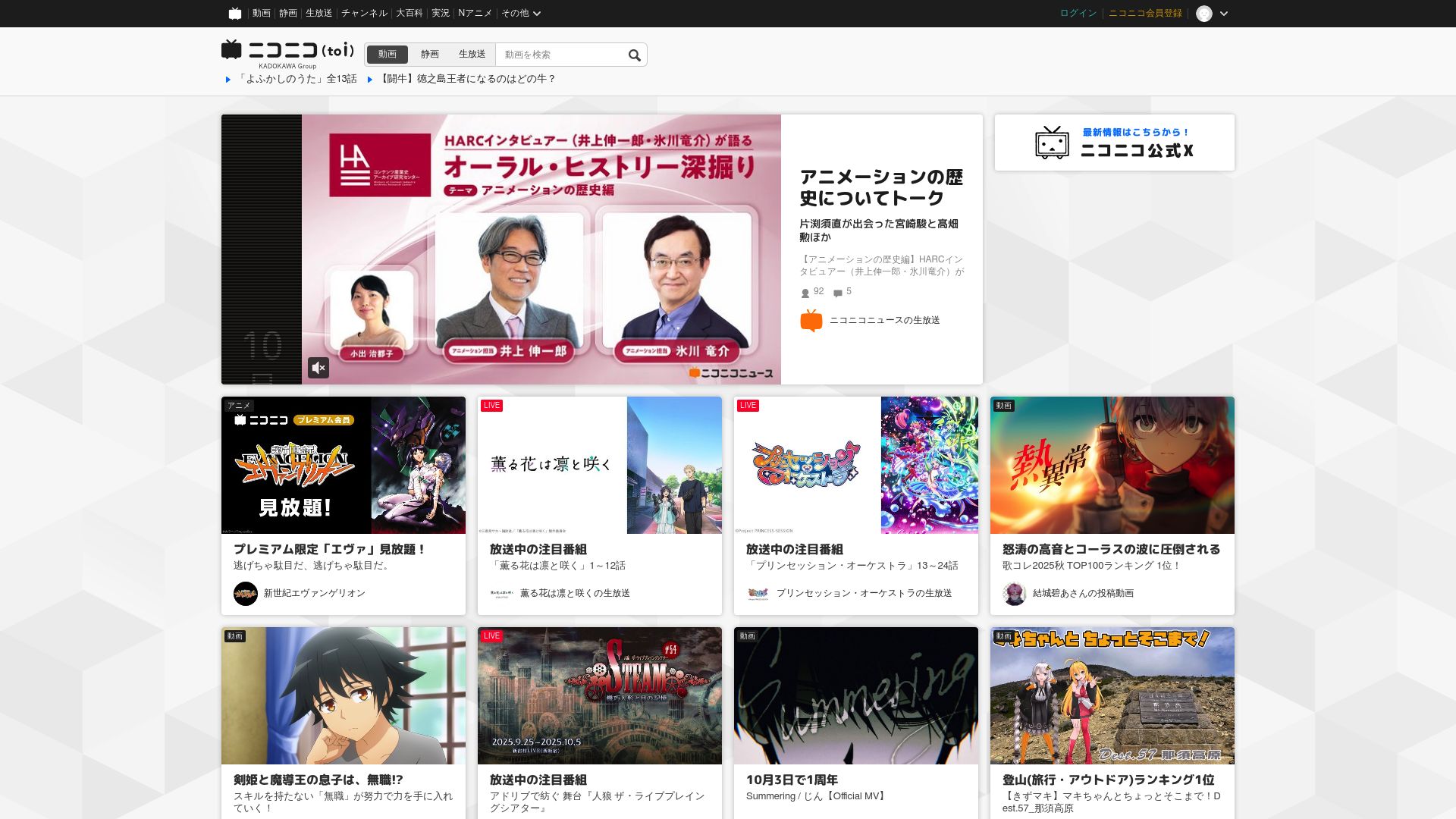
Comments Included
On Niconico the comments flying across the picture are a big part of the experience, and they're usually the first thing lost when a video is saved. Nicovideo Downloader keeps them. Alongside the MP4, it can export the danmaku as an ASS subtitle file; open both together in VLC or MPV and the comments scroll over the video the way they do on the site.
It also sidesteps Niconico's slow servers and its buffering player, since you're watching a local file. It's a way to hold on to Vocaloid songs, MAD edits and gaming videos before they're removed, or Japanese study material to use without internet access.
Quality Follows Your Account
The extension works through your logged-in Niconico session, which also lets it reach member-only and Premium content you're entitled to. Downloads come in the best quality your account tier allows:
- With a free account you get standard quality, and Niconico's economy-hour limits still apply at peak times.
- With an active Niconico Premium subscription, the higher-bitrate Premium streams become available and economy-hour restrictions no longer apply.
Niconico delivers audio and video as separate DASH streams, and the extension merges them for you. Leave the tab open while that merging runs. Output is MP4, with MKV available as an option when you want subtitles embedded in a more advanced way.
Lists, Uploaders and Search
Downloads don't have to be one at a time. Open a public or personal mylist, an uploader's page or a set of search results, and the extension picks up the videos listed there. Add them to the queue, where each item shows its own progress and failed items are retried automatically. A notification arrives when a download or a mylist batch is finished.
Filenames keep the original Japanese title together with the sm or nm video ID, and tags and upload details are preserved as metadata, so the library stays easy to search and sort later.
Using It
Install the extension and sign in to Niconico in the browser. Visit a video, mylist or uploader page; the extension finds the streams and comments available. Pick a quality tier, switch on danmaku export if you want the comments, then download or queue. All processing stays in your browser, which keeps your Niconico activity private.
Compatibility and Restrictions
Supported browsers: Chrome, Edge, Firefox, Brave and Opera, running on Windows, macOS or Linux. Safari and mobile browsers are left out. Region: Worldwide.
- Most content requires a Niconico login.
- Premium-level streams need an active Niconico Premium subscription.
- A Niconico Live broadcast can't be captured while it is still airing. Timeshift recordings of past broadcasts can be downloaded as long as they remain available for viewing.
- Videos you aren't authorized to view on Niconico are off limits.
Permissions
downloads: writes both the MP4 and the ASS comment file to the downloads folder on your computer.activeTab: detects the Niconico player on the open page, so download options appear only on nicovideo.jp.storage: keeps quality preferences, the queue's state and your download history locally.notifications: tells you when downloads or mylist batches have completed.
FAQ
Will I still see the scrolling comments when I'm offline?
Yes. The comments are saved as an ASS subtitle file that recreates the overlay. Open it with the MP4 in VLC or MPV and they move across the screen just as on Niconico.
Is Niconico Premium required to use it?
No. With a free account, you'll save videos in standard quality. Premium members get the higher-bitrate streams and bypass economy-hour limits. Because the extension uses your own session, quality matches whatever your account gets.
Can I grab every video in a mylist?
Yes. On any public or personal mylist, the extension finds all the videos it contains. Queue them as a batch and each one is saved under its proper title and ID.
Do filenames keep the Japanese titles?
Yes. Each file is named with the original Japanese title plus its sm or nm ID, which makes your downloads easy to recognize and sort.
Can I save nama housou (Niconico Live) broadcasts?
Only after they've been archived. A timeshift recording that is still viewable can be downloaded; a live stream that is still on air can't be captured.
Is this legal?
DISCLAIMER: We are not attorneys and do not offer legal advice. Laws vary by country and platform. For any legal question please consult a qualified legal professional.
We give you full control over download speeds because we believe users should decide how they use their software.
That said, here are a few widely accepted best practices for safe, responsible downloading:
-
Only download content you created, own, or have explicit permission from the rights holder to access.
-
Protect your personal data by respecting platform rules and rate limits with reasonable download speeds to avoid automated abuse systems putting your account at risk.
-
Protect your privacy by using a reputable VPN for IP protection before initiating downloads — this is the VPN we recommend & use.
Links

Related Entries

Choose any resolution Dailymotion offers, from 360p to 1080p, and save the video as an MP4 from the page itself instead of an ad-filled converter site.

Turn Loom share links, workspace recordings and embedded players into MP4 files on your drive, including password-protected videos.

Save lessons from SproutVideo players on sproutvideo.com, vids.io links or any site that embeds them, including password-protected videos, as MP4.