Internet Archive Downloader
Lists every file format on an archive.org item, queues whole collections, and retries stalled transfers so large Internet Archive pulls finish.
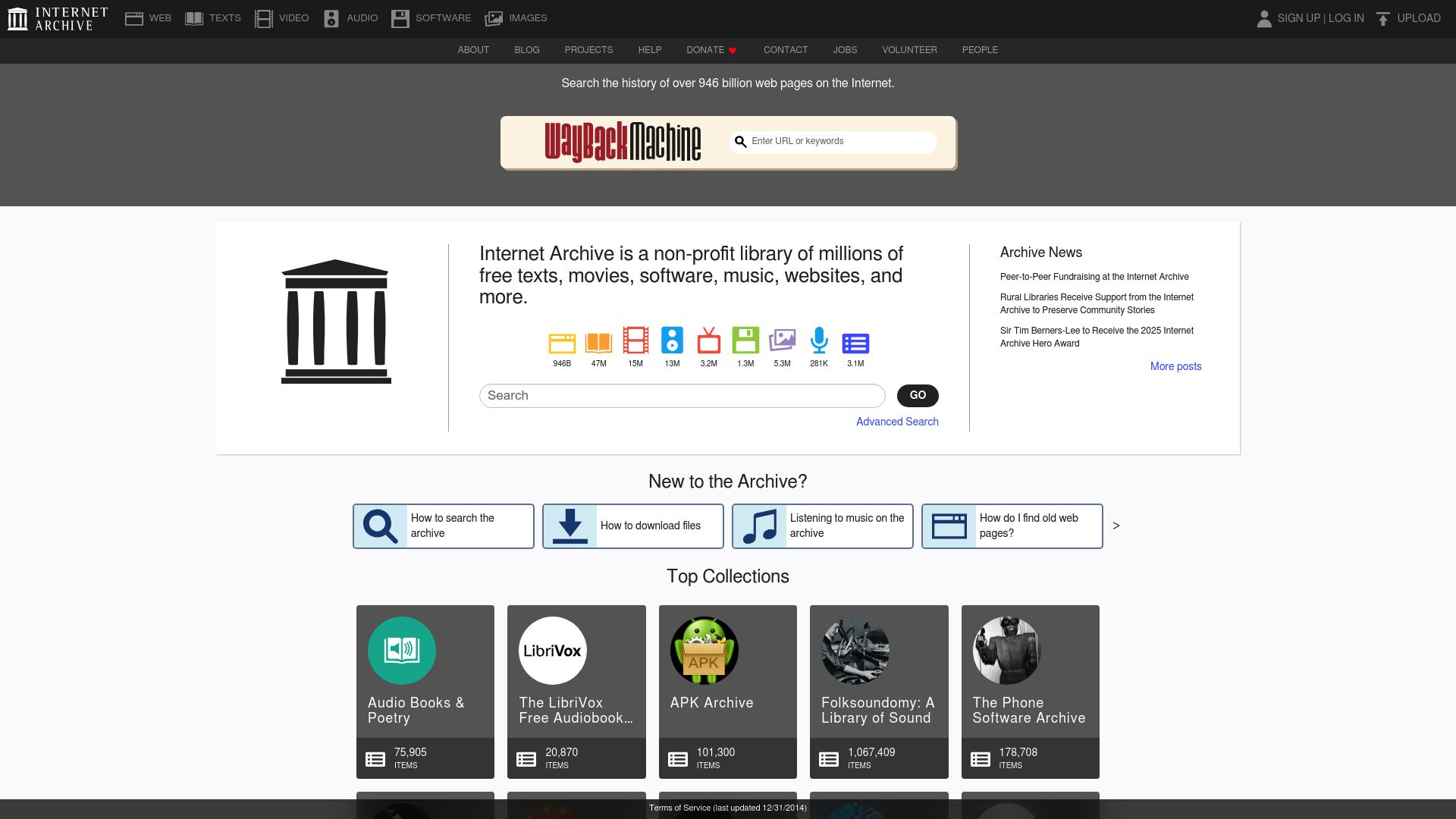
Choosing files on an item page
Open any archive.org item and the extension lays out every format the archive holds for it, along with the quality tiers on offer. Tick the ones you want and leave the rest. What it can save:
- Books as PDF, EPUB or DJVU
- Video as MP4 or OGV
- Audio as MP3, FLAC or OGG
- Software packages and compressed archives
- The original uploaded files
Each download comes with a metadata record taken from the Internet Archive entry: who created it, the title, its description and date, the subject tags, and which collection it belongs to.
Batches that survive bad connections
Fetching from archive.org by hand means slow servers, transfers that time out halfway and no built-in way to grab several files together, so a full collection used to mean clicking each link and hoping. Here you can queue an entire collection or a set of search results and leave it running in the background.
- A dropped transfer is retried on its own and resumes where it broke off, without fetching finished parts again.
- There is no size cap from the extension; a feature-length film or a high-resolution scan is retried and resumed exactly like a small one.
- Saved files are sorted by collection name, by media type, or into a folder scheme you set up yourself.
- Queue progress, format choices and collection state are kept locally, so a session can be paused and resumed.
Wayback Machine captures
A snapshot can be stored as a self-contained HTML package that bundles its CSS, images and scripts, which is handy when you want an older version of a page before the address goes dead or the content changes. Keep in mind that a snapshot records one moment in time, so some embedded assets inside it may already be broken. Live crawling of sites through the Wayback Machine is not something the extension does.
Browsers and systems
| Browsers | Operating systems |
|---|---|
| Chrome, Edge, Firefox and Opera | Windows 10/11, macOS 11 or later, Linux (Ubuntu, Debian, Fedora) |
It can be used worldwide.
Where it stops
- archive.org's own speed varies, and it may throttle transfers at busy times.
- Collections with thousands of entries can take a long time just to enumerate, and longer to finish.
- DRM-protected material inside the archive can't be downloaded.
- If the Internet Archive changes its site, the extension may need an update before things work again.
- Titles from the lending library that can only be borrowed can't be turned into permanent copies.
- Content that only opens in the Internet Archive mobile app is out of scope.
Why each permission is requested
activeTab: spots Internet Archive item and collection pages in the current tab so the format picker and download controls can appear.downloads: saves the books, audio, video and metadata records you pull from archive.org to the local downloads folder.storage: keeps queue progress, format preferences and collection state on your machine for pausing and resuming.scripting: collects the file inventory, metadata and format details of an Internet Archive page so the download panel can be built.host_permissions: allows access to archive.org domains and their CDN endpoints so files and metadata can be retrieved securely.
FAQ
I want an archive.org collection in full; can it do that?
It can. Open the collection page and you'll see its items listed. From there, queue all of them or only the ones you pick, and each one arrives with every available file and its metadata.
Can Wayback Machine pages be saved too?
They can. Pick a snapshot and the extension stores it as a full HTML archive, stylesheets, images and scripts included, which helps when you want an older version of a page on hand.
Which file types can I choose from?
Whatever the item page offers. Books in PDF, EPUB or DJVU, video in MP4 or OGV, audio in MP3, FLAC or OGG, and the original uploaded files are all on the menu, and you tick only the ones you want.
Are big files capped in any way?
No cap is imposed by the extension. A full-length film or a high-resolution scan is retried and resumed in just the way a small file would be.
Do downloads keep the catalog information?
Every item is accompanied by a metadata file. It holds the Internet Archive record's details: creator, title, date and description, plus subject tags and collection information.
Is this legal?
DISCLAIMER: We are not attorneys and do not offer legal advice. Laws vary by country and platform. For any legal question please consult a qualified legal professional.
We give you full control over download speeds because we believe users should decide how they use their software.
That said, here are a few widely accepted best practices for safe, responsible downloading:
-
Only download content you created, own, or have explicit permission from the rights holder to access.
-
Protect your personal data by respecting platform rules and rate limits with reasonable download speeds to avoid automated abuse systems putting your account at risk.
-
Protect your privacy by using a reputable VPN for IP protection before initiating downloads — this is the VPN we recommend & use.
Links

Related Entries

Save DoodStream videos you can already watch as local MP4 files, with the source URL resolved directly and no wait timer in the way.
Got a TeraBox share link? Pull the files straight into your browser at your connection's speed, with no TeraBox app or account standing in the way.