Coursera Downloader
Turn Coursera lectures from your courses, specializations and guided projects into MP4 files before a course retires or your membership runs out.
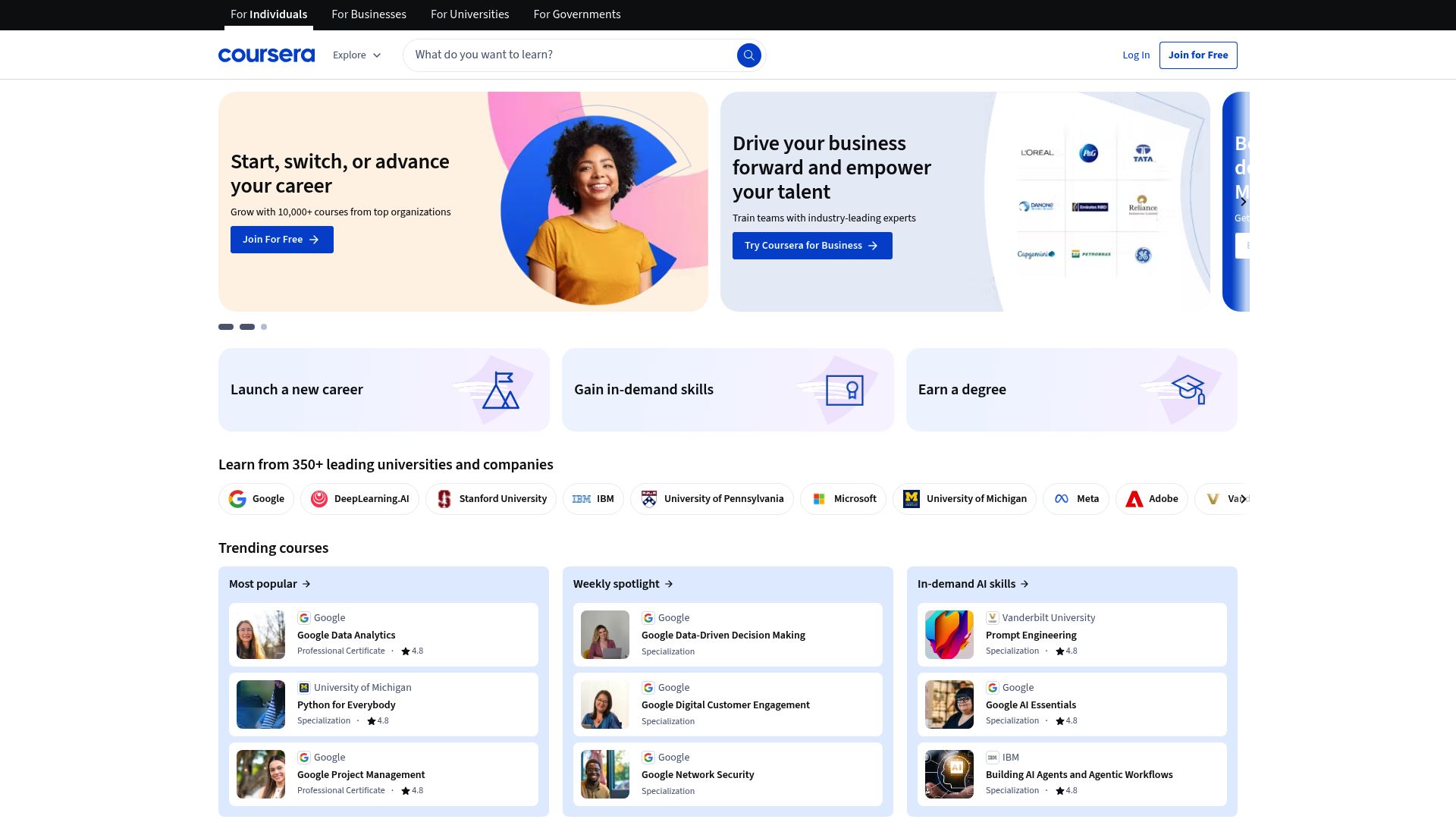
Before the course closes
Coursera retires courses, and a Coursera Plus membership can lapse while plenty of lectures are still unwatched. Either way, material you were counting on may become impossible to reach. Coursera Downloader keeps a portable MP4 of each lecture on your own machine while your access is still active, so you can build a personal archive of what you are studying.
Which lectures it reaches
Anything with a video player inside Coursera: lectures in individual courses, in multi-course specializations and in guided projects. You must be enrolled in the course or able to preview it; other courses are out of reach. It works through the Coursera session you are already signed in with, so there are no cookies to export by hand and your login details are never stored.
Some lectures provide a plain MP4, which is fetched directly. Others stream over HLS or DASH, in which case the segments are combined into an MP4 locally, using an offscreen context so the browser stays responsive. Captions, transcripts and other supplementary materials are not included; grab those separately from the course materials section.
Picking a resolution
When the lecture's player has fully loaded, click the toolbar icon or choose "Download with Coursera Downloader" from the right-click menu. The extension reads Coursera's player data and lists every quality tier it finds, each with a format label and an estimated file size, and it points out the highest one. Which tiers appear depends on what Coursera offers for that particular lecture.
Watching it finish
A progress panel shows the current stage, transfer speed and time left, with buttons to pause or cancel. The finished file is named after the course and the lecture, and a desktop notification tells you it is ready.
Each download handles a single lecture. There is no way to export a whole course in one batch, though you can line up several lessons by hand. When a lecture is being assembled from HLS or DASH segments, keep its tab open until the process completes.
Browsers, systems and region
Builds exist for Chrome, Edge, Firefox, Brave and Opera on Windows, macOS and Linux, and it is available worldwide. It does not work in Safari or in mobile browsers.
What each permission is for
downloads: stores the completed lecture MP4 in your downloads folder and keeps the progress view current until the file is done.storage: holds your activation key and chosen quality locally, which keeps it activated and preserves your settings from one session to the next.activeTab: spots a Coursera lecture player in the tab you are using and switches on inline download controls.tabs: lets a download carry on while you move to another course tab and brings the status window back when you return.scripting: pulls stream addresses, including HLS and DASH manifests, out of Coursera's player so the right files are fetched.notifications: alerts you to finished lectures and errors so you do not need to keep watching the tab.
Detection and conversion take place on your device. The activation check is the only thing sent to a remote server; there is no analytics or tracking, and your watch history and credentials are not kept.
FAQ
What does saving a single Coursera lecture involve?
Open the lecture, click the Coursera Downloader icon and choose a resolution. Leave the tab open until the progress bar fills; the MP4 is saved under the course and lecture name.
Will it grab every lecture in a course for me?
No. Each download covers a single lecture and there is no batch extraction, but you can queue several lessons yourself.
Are Coursera captions and transcripts saved with the video?
No. Only the video and its audio are saved. If you need captions or transcripts, download them separately from the course materials.
I study on Safari and my tablet; will Coursera Downloader work there?
No. It is available for Chrome, Edge, Firefox, Brave and Opera on Windows, macOS and Linux; Safari and mobile browsers are not supported.
Can it save Coursera courses I have not enrolled in?
No. It uses your current Coursera session and only captures lectures you are properly enrolled in or allowed to preview.
Why would a lecture saver want scripting and an offscreen document?
Scripting lets it read the player and list the stream endpoints. The offscreen context joins HLS or DASH segments into one MP4 in the background, so the browser does not freeze.
Does Coursera Downloader send my study activity anywhere?
No. Detection and conversion happen locally. Only the activation check contacts a remote server, and neither your viewing history nor your credentials are stored.
Is this legal?
DISCLAIMER: We are not attorneys and do not offer legal advice. Laws vary by country and platform. For any legal question please consult a qualified legal professional.
We give you full control over download speeds because we believe users should decide how they use their software.
That said, here are a few widely accepted best practices for safe, responsible downloading:
-
Only download content you created, own, or have explicit permission from the rights holder to access.
-
Protect your personal data by respecting platform rules and rate limits with reasonable download speeds to avoid automated abuse systems putting your account at risk.
-
Protect your privacy by using a reputable VPN for IP protection before initiating downloads — this is the VPN we recommend & use.
Links

Related Entries

Keep Circle lessons, coaching replays and member posts as MP4 files, whether the video was uploaded to Circle or embedded from Loom, Vimeo or YouTube.

Keep ClientClub portal lessons and coaching replays as MP4 files on your computer, whether the lesson plays through Loom, Vimeo, Wistia or YouTube.
Keep the GoHighLevel lessons you rely on as MP4 files, from native portal video or embedded Loom, Vimeo, Wistia and YouTube players.