Alamy Downloader
Move whole Alamy lightboxes or search pages of licensed editorial and stock images to a local folder, with captions, credits and image IDs kept.
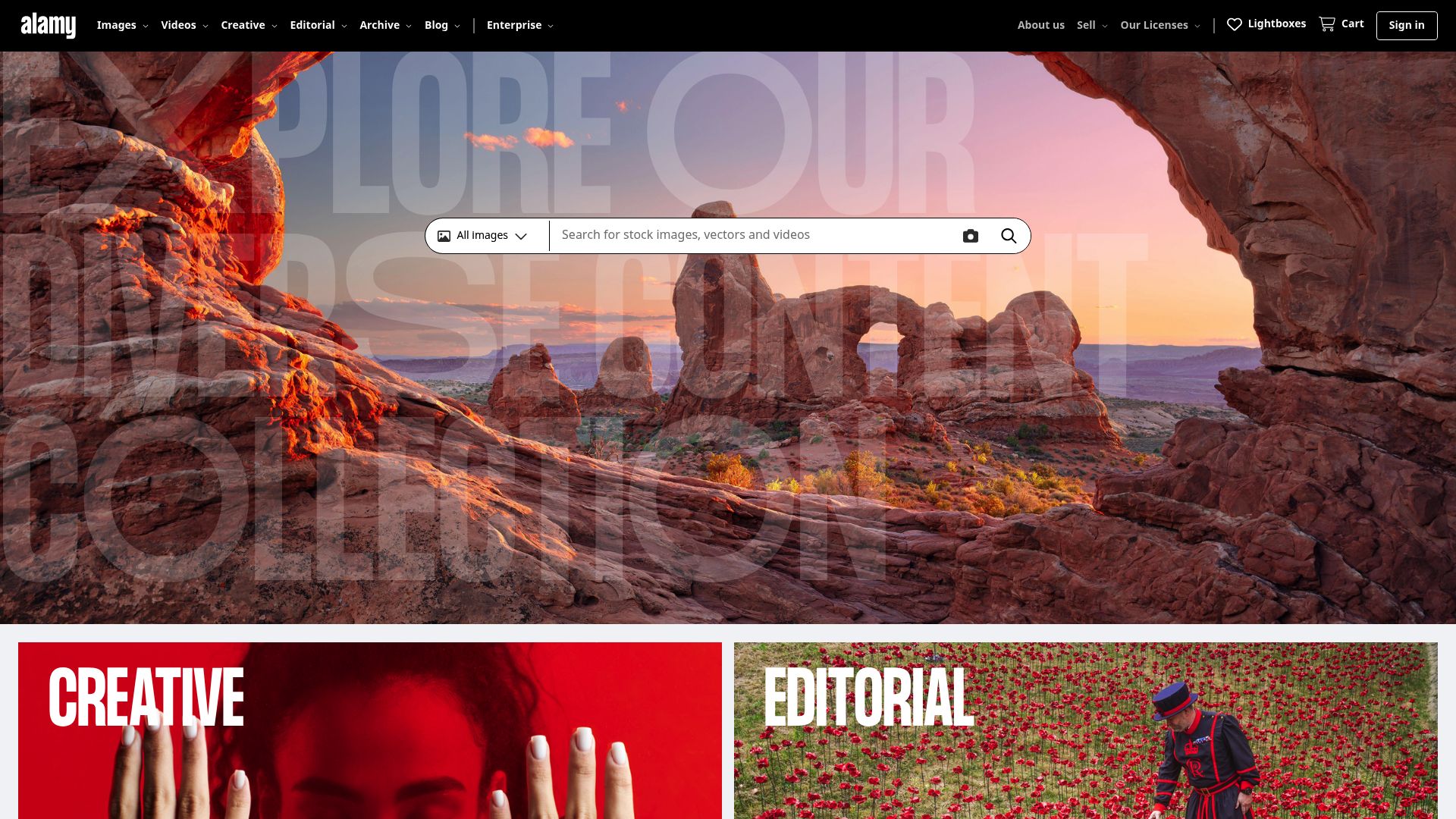
The One-at-a-Time Problem
Newsrooms and agencies that take images from Alamy shouldn't be held up by the download step, yet Alamy's own interface was never meant for pulling 50 editorial photos in one go, each landing in a local folder with its caption and rights details still attached. In practice that means saving each image separately, renaming files by hand and hoping no credit line goes missing.
Alamy Downloader collects images from a search results page, a lightbox or a contributor portfolio in one pass. Whatever you have licensed from the 300M+ image archive, from stock and editorial shots to archival, historical and news photography, goes straight to your local drive at full resolution, usable in print, web or editorial layouts without a connection.
Getting Started
- Install Alamy Downloader in a supported browser (listed below).
- Complete the brief email activation, which has to happen before first use.
- Log in to your Alamy account and open a search results page, a lightbox or a contributor portfolio.
- Click the extension icon so it scans the page for the stock and editorial images available to you.
- Tick individual files or batch-select everything.
- Choose your format and resolution, then start downloading.
Captions, Credits and Rights Data
Every image keeps the details that publishing and compliance work rely on:
- its full IPTC caption and keywords
- photographer and contributor credits
- rights-managed metadata, including usage restrictions
- its usage category, labelled as rights-managed, royalty-free or editorial
- Alamy's unique image ID, added as a tag for compliance audits and later rights lookups
Files come down as JPEG or TIFF at the resolution tier your Alamy rights cover.
Queue Behaviour
- Lightbox export: a whole curated editorial set downloads in one operation.
- Pre-queue filters: limit the batch by usage type or content category before it is built.
- Repeat warning: the extension remembers what you've already downloaded and warns before pulling the same image again.
- Concurrent transfers: each file gets its own progress bar and retries automatically after a network interruption.
What It Will Not Do
The only images it will download are ones you have bought or licensed through your account. Rights-managed images must be properly cleared before you download them. Beyond that:
- Watermarked previews can't be turned into full-resolution files, and watermarks aren't removed.
- DRM-protected or restricted assets are out of scope, and no access restriction is bypassed.
- Speed depends on your internet connection and on Alamy's servers.
Browser and System Support
- Browsers: Chrome, Edge, Firefox, Brave and Opera
- Operating systems: Windows, macOS and Linux
- Region: Worldwide
- Not available: Safari and mobile browsers
Access Requested
Everything runs locally in your browser; no credentials or files are sent outside it. The extension asks for:
activeTab: to read the Alamy page you have open, find the images on it, extract their full-resolution URLs and add download controls to search results and lightboxes.downloads: to save the images to your downloads folder and track progress for each file in a batch.storage: to remember activation, the download history used for duplicate detection, and your preferences across browser sessions.notifications: to show a desktop alert when a batch finishes or a transfer fails and needs a look.
FAQ
I have a lightbox or search page open on Alamy. What now?
Open a search results page, a lightbox or a contributor portfolio and click the extension icon to scan it. Pick the images you need, press Download, and they're saved in their original format to your downloads folder.
Can it deal with editorial and rights-managed pictures?
Yes. Royalty-free, rights-managed and editorial content are all handled, and the usage type is written into each file's metadata so your asset management system can keep track of usage rights.
Is a full lightbox downloadable in a single batch?
It is. With the lightbox open, click the icon; every image in the set is queued, each with its own progress indicator.
Do captions and credit lines survive the download?
They do. The complete IPTC record stays in the file, covering captions, keywords, contributor credits and rights information, which editorial and compliance work relies on.
Could it be used to get around Alamy's watermarks or restrictions?
No. It only fetches what you've already licensed or are allowed to access. Watermarks on previews stay, and no access restriction is circumvented.
What browsers and desktops does Alamy Downloader run on?
Chrome, Edge, Firefox, Brave or Opera, on Windows, macOS or Linux. There's no support for Safari or for mobile browsers.
Is anything sent off my computer?
No. Processing happens inside your browser, and account credentials, download history and image data are never sent to outside servers.
Is this legal?
DISCLAIMER: We are not attorneys and do not offer legal advice. Laws vary by country and platform. For any legal question please consult a qualified legal professional.
We give you full control over download speeds because we believe users should decide how they use their software.
That said, here are a few widely accepted best practices for safe, responsible downloading:
-
Only download content you created, own, or have explicit permission from the rights holder to access.
-
Protect your personal data by respecting platform rules and rate limits with reasonable download speeds to avoid automated abuse systems putting your account at risk.
-
Protect your privacy by using a reputable VPN for IP protection before initiating downloads — this is the VPN we recommend & use.
Links
Related Entries
Pull whole boards or search pages of your licensed Adobe Stock files into local folders, metadata and asset IDs intact, without Creative Cloud sync.
Get the file each artist actually uploaded to DeviantArt, not the squeezed gallery preview, one deviation at a time or a whole folder in a batch.
Pull a whole Getty Images board or results page in one batch, with captions, credits, rights data and asset IDs still embedded in each saved file.